Press
Pizazoo press kit.
A ready-to-use description, quick facts, key features, and the official icon and screenshots for writing about Pizazoo.
Boilerplate
What is Pizazoo?
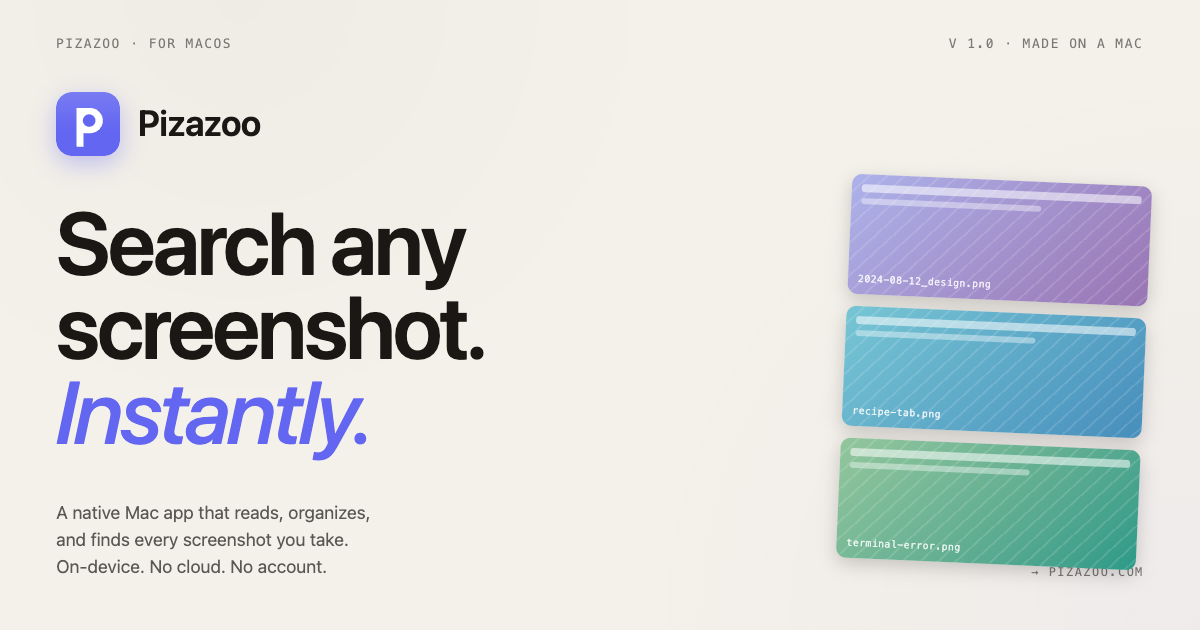
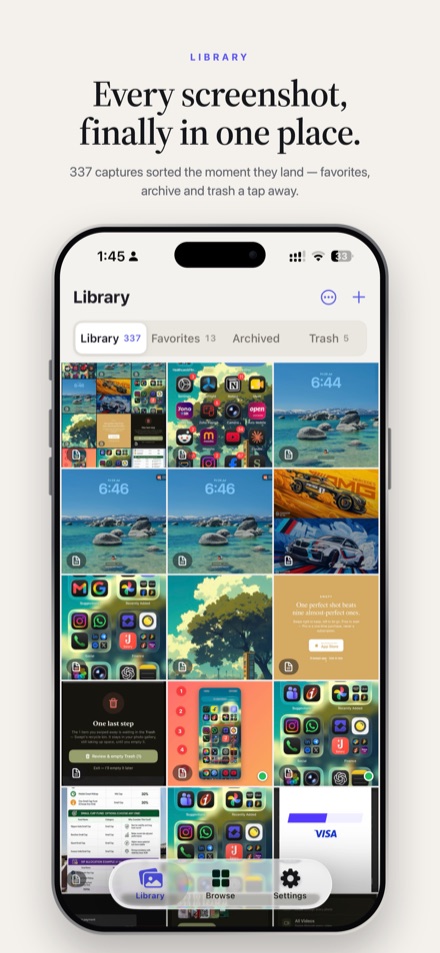
Pizazoo is a private screenshot organizer for Mac, iPhone and iPad. It brings in the screenshots you already take, reads the text inside them on the device so any word finds them again, and sorts them into categories such as Receipts, Code and Chats. A built-in markup editor adds arrows, text and numbered steps and blurs or redacts anything private. Pizazoo is free to download; Pizazoo Pro, a one-time purchase with no subscription, adds color tags, saved searches, custom categories, shared sets and iCloud Sync through the user’s own private iCloud. Pizazoo is made by independent developer Muhammed Basil.
Quick facts
Pizazoo at a glance
- What it is
- A screenshot organizer for Mac, iPhone and iPad. It does not take screenshots: it organizes the ones you take with the built-in tools or apps like CleanShot X and Shottr.
- Platforms
- Mac: macOS 14 Sonoma or later, Apple Silicon and Intel. iPhone and iPad: iOS 17 / iPadOS 17 or later, one universal app.
- Current versions
- Mac 1.0.10 (October 6, 2026). iPhone and iPad 1.0.4.
- Released
- iPhone and iPad app: August 2026.
- Price
- Free to download on every device. Pro is a one-time purchase. Mac: $15 (1 Mac), $25 (3 Macs), $35 (5 Macs), each including Pro on the same number of iPhones or iPads. iPhone and iPad in-app purchase: $14.99 (1 device), $24.99 (3), $34.99 (5).
- Where to get it
- Mac: pizazoo.com, not the Mac App Store. iPhone and iPad: the App Store.
- Privacy
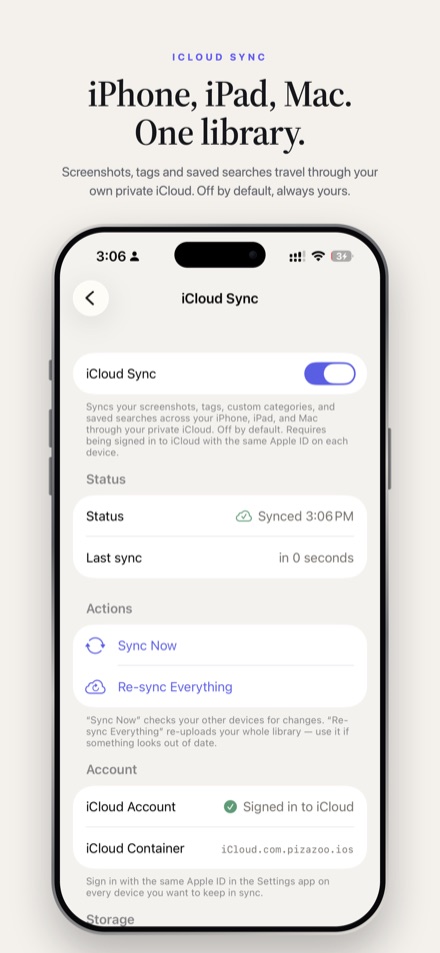
- Text recognition and categorization run on the device. No account and no ads. Optional iCloud Sync (Pro) goes through the user’s private iCloud, never a Pizazoo server.
- Developer
- Muhammed Basil, independent developer
- Press contact
- [email protected]
Key features
What Pizazoo does
Automatic import
On Mac, Pizazoo watches the folders where screenshots are saved. On iPhone and iPad, it scans the photo library for new screenshots when you open the app.
Search by the text inside
Apple Vision text recognition runs on the device, so a word you remember, like an order number or an error message, finds the screenshot. Filters narrow results by category, date, favorite and tag.
Automatic categories
Screenshots are sorted into built-in categories such as Receipts, Code, Chats and Travel, on the device. Corrections are used as examples for the next ones.
Markup editor
Arrows, text, numbered steps, spotlight, magnifier, blur and auto-redaction of personal info. The Mac adds watermarks, signatures, background removal and perspective correction.
Related screenshots
Open a screenshot to see visually similar ones with a match percentage, worked out on the device.
Translate
Overlay a translation on the text in a screenshot. On-device by default, with an optional online (Google) engine; on macOS 14 the online engine is the only one. On iPhone and iPad it needs iOS 18 or later.
Shared sets
Share a set of screenshots with other Pizazoo users through iCloud (Pro). People you invite can open it for free.
Pizazoo Pro
Color tags, saved searches, unlimited custom categories, iCloud Sync across Mac, iPhone and iPad, and shared sets, as a one-time purchase.
Which features run on which device: see the Mac, iPhone and iPad feature table.
Downloads
App icon, logo and screenshots
For use in articles and reviews about Pizazoo. Need a larger size or a Mac screenshot? Email [email protected].



Links
Where to find Pizazoo
- App StorePizazoo for iPhone and iPad
- Download for MacPizazoo for Mac, from pizazoo.com
- Release notesWhat changed in each version
- PrivacyWhat stays on the device
- PricingFree and Pro plans
- AboutThe developer behind Pizazoo
Writing about Pizazoo?
Email [email protected] with your questions. The developer who builds the app replies.